 Brooks Kraft/Getty Images
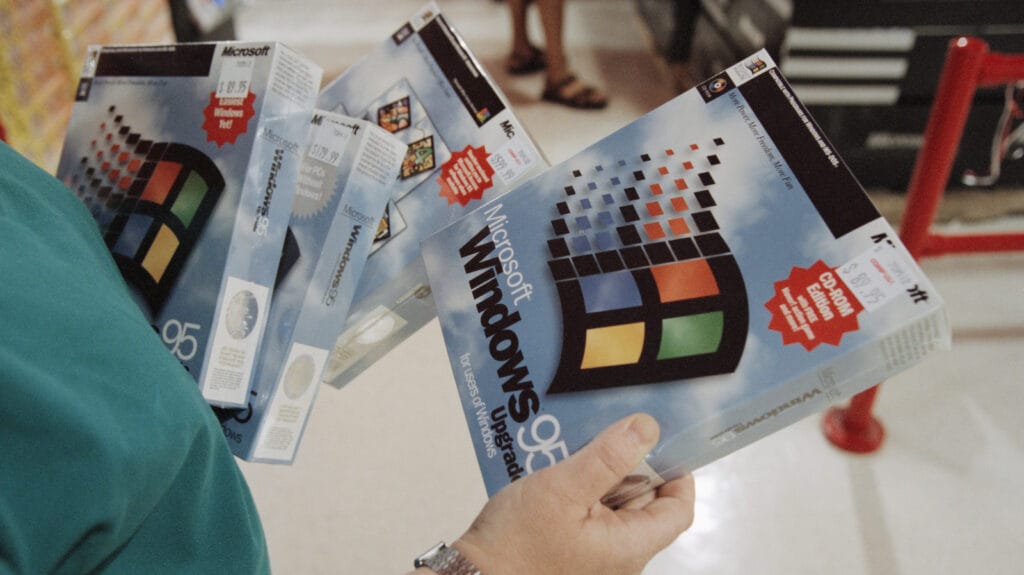
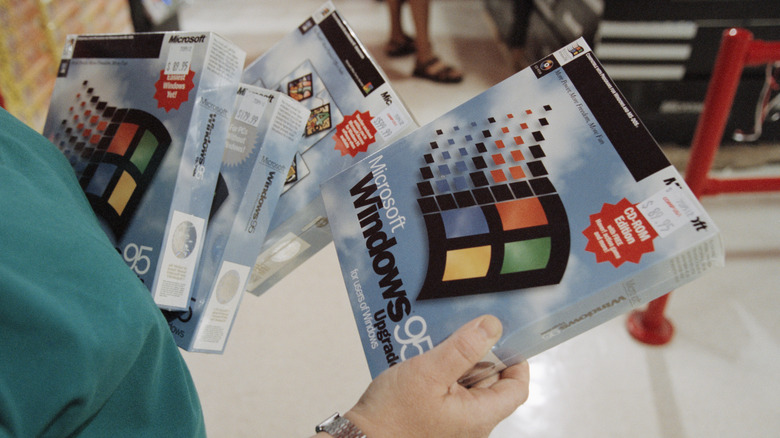
Released on August 24, 1995, Microsoft Windows 95 was one of the most anticipated software launches at the time. It was a huge change over the previous release Windows 3.1, adding a bunch of new features and introducing what we now know as plug and play for external peripherals. Over one million units were sold in the first four days, and within a span of two years, Windows 95 was the most used and most installed operating system. It’s hard to believe it was 20 years old in 2018, which makes it nearly 30 now. Also hard to believe, you can pull it up use it right now on nearly any device.
An ingenious developer has figured out how to run Windows 95 in a browser window, no installation required. Originally, to run Windows 95, you needed a computer with a minimum of 4 MB of RAM. You also needed a 386DX processor or higher, and 50-55 MB of free hard drive space. To be fair, recommended requirements for optimal performance were higher at 8 MB of RAM, a 486 processor, and a bigger hard drive. Today, things are a little different.
Windows 11 requirements are more substantial as outlined in everything you need to know about the newest Windows OS. As for Windows 95 on browser, it’s not just the core OS. Using the tool, you can install packages spanning a variety of software, from Zork 1, 2, and 3, to Norton Utilities 2.0. They’re certainly dated compared to today’s standards, but it’s a great way for those of us who remember Windows 95 to look back; and a great way for those too young to remember to explore old-school computing applications.
What can you do in the browser version of Windows 95?
The tool (or window, rather) takes a minute to load when you first visit the page, so wait a few minutes until you see Windows 95 has finished booting. From there, you can interact with anything in the operating system as if it were a mini computer. Click Full Screen in the top right of the smaller window to make it take up the entire monitor view for your primary monitor. At the bottom, just below the window, you’ll see a space to choose disks to load, simulating the insertion of floppy disks into the machine.
If you want to use one of those disks, or one of those programs, select it from the dropdown and then click Load. For example, selecting “Oregon Trail” will load that disk. To explore the loaded disk or run programs, double click My Computer > File (at the top) then Explore. In the left hand pane of the window that appears, select the disk you loaded. If you didn’t change, it should be drive A: Then, double-click the .EXE file (executable) for the program you want to run.
Ultimately, you can play games, install and use various programs, and explore Windows 95 as if it was freshly installed on a legacy computer. The experience is still quite buggy, and some of the features and programs are not going to work, unfortunately. But it’s definitely an eye-opening and educational experience, especially if you’ve never used Windows 95 before. Always remember the most important part: have fun! With the end of Windows 10 drawing near, the latest versions may eventually run in emulators like this. Maybe, maybe not. It is cool to think about, though.