 Hadrian/Shutterstock
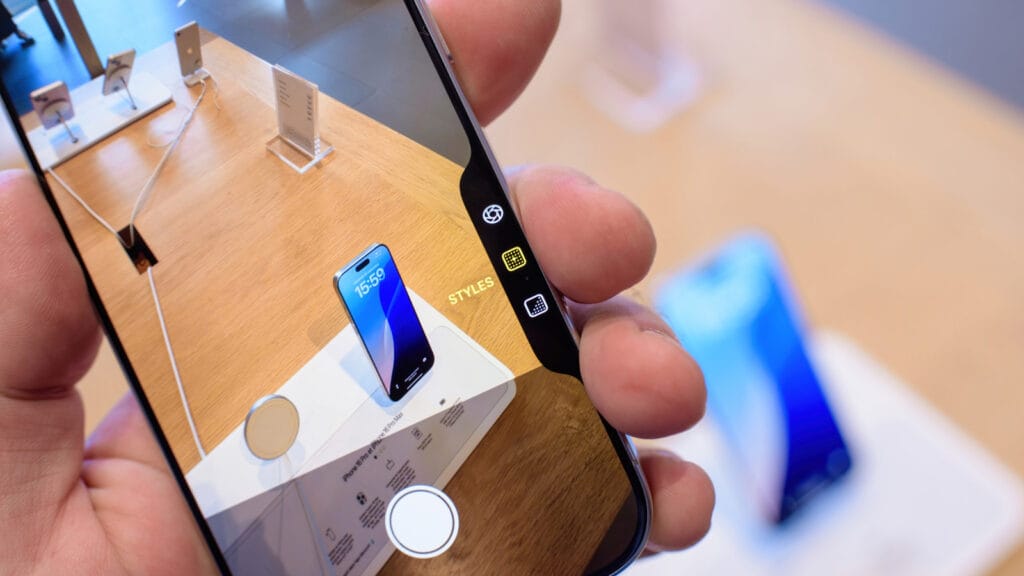
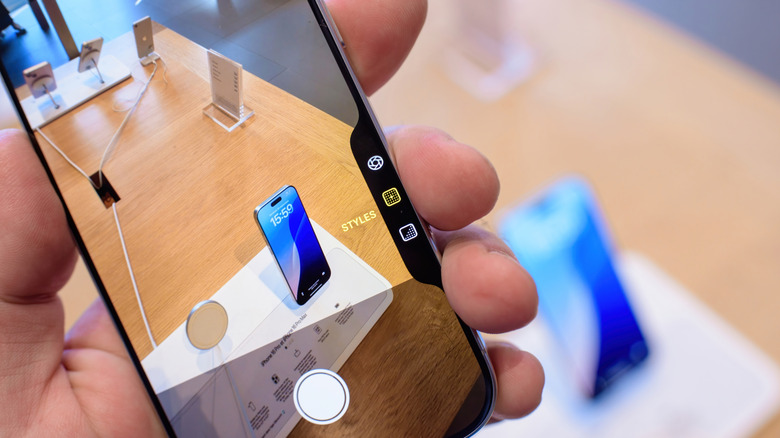
The Camera Control button is one of the exclusive camera features available only on the iPhone 16 and later. It was made for the photo enthusiasts who want quick access to their camera anytime, anywhere. But while this sounds like a convenient addition to the iPhone, there are some problems with the Camera Control options.
For one, most menus can be useless, especially for casual users who don’t really play around with tools like Tone and Exposure. These extra icons make the interface crowded and overwhelming when you just want to snap a photo and be done with it. If you do use the Camera Control options, it can be a hassle to sift through all the other settings just to get to the one you need. It’s more efficient if you could put your most-used controls front and center so that you can select them easily.
Thankfully, iOS 26 has a fix for these issues. With the new Camera Control customization, you can now hide options you rarely use, rearrange them to your liking, and make the Camera app interface a little cleaner. This new customization feature is easy to miss since it’s buried in the Settings app, but it’s definitely worth exploring.
How to customize your iPhone’s Camera Control options in iOS 26
Personalizing the Camera Control options in iOS 26 is actually pretty straightforward when you know where to start. Here’s a simple guide on how to do so:
- Launch your Settings app.
- Go to Camera.
- Press Camera Control at the top.
- Under Controls, select Customize. If you don’t see this option, toggle on Camera Adjustments.
- To customize how you want to access your Camera Control options, turn off either Light Press or Swipe, or leave them both on.
- To customize which options appear in your Camera Control, tap the ones you want to remove. Now, only those with a blue checkmark will be accessible via the Camera Control button.
- To organize your available Camera Control options, long-press on the hamburger menu (three lines) next to an option, and then drag it to your preferred position. The option at the very top of the list will appear on the far left of the Camera Control, and the one at the very bottom on the far right.
- To remove all the other options in the Camera app — like the Video and Photo mode at the bottom of the screen or the flash menu at the top — whenever you access the Camera Control options, enable Clean Preview. This minimizes the distractions on the screen, so you can focus on just the Camera Control options.
Once you’re happy with your adjustments, lightly press on the Camera Control button to check your new available options and their arrangement. If you find that the Camera Control is still overwhelming and is just adding clutter even after customizing it, you can opt to disable your iPhone’s Camera Control button altogether.