 Chinnapong/Shutterstock
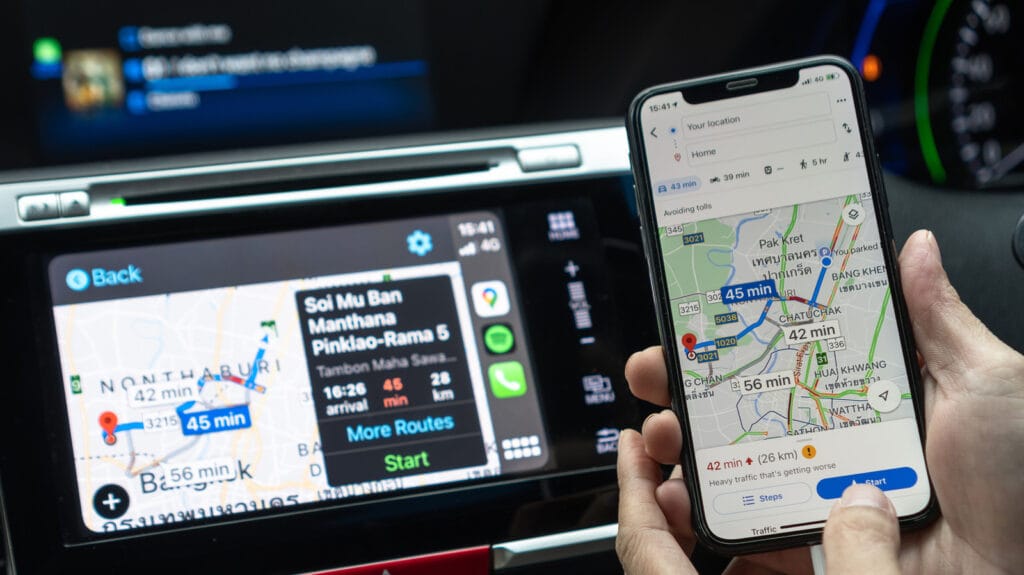
Finding a good parking spot is a top priority for most drivers, but remembering where you parked is a different matter. That’s where a new Google Maps feature will come in handy, especially if you’ve ever spent longer than expected finding your car at a busy location. Google Maps can help you remember where you parked your car — a feature introduced years ago. However, Google gave it a big upgrade recently, making the process automatic for iPhone users. Before, you needed to remember to manually mark your parking spot. That’s as easy to forget as remembering where you parked on your own, without any help from navigation apps.
It’s unclear why Google made the parking location automatic only on iPhone, rather than launching the feature on Android first. Google usually makes the same maps features available on both platforms, though Android is the priority. Google controls the operating system, so it can roll out new Google Maps features faster than on iPhone. Interestingly, Apple Maps already makes marking your parking location automatic. All you need is an iPhone 6 or later running iOS 10 or later to use the feature.
The Apple Maps process isn’t perfectly automatic. You have to enable the Show Parked Location option in Maps, and then the app will remember your parking spot once the iPhone disconnects from CarPlay or your car’s Bluetooth system. The latter is a prerequisite, as the connection informs the app that you’re no longer in your car.
How Google Maps saves your parking location on iPhone
 Chesnot/Getty Images
The new Google Maps feature was announced on LinkedIn a month ago rather than Google releasing an official guide, which is another unusual way to announce the feature. Found by 9to5Google, Rio Akasaka’s short comment explains how the feature works. Unsurprisingly, it’s similar to the way Apple implemented the functionality for Apple Maps.
“If you’re like me, you forget where you park all the time,” the senior product manager for Google Maps said. “Worry no more, because Google Maps will remember for you. No more taking photos in parking lots or fiddling with app settings or taking screenshots to remember.” The short LinkedIn post then explains that all you have to do is connect your iPhone to the car via USB, Bluetooth, or CarPlay for Google Maps to remember your location. “Once you’re done driving, there’s a little pin waiting for you when you open Google Maps next — a personal parking Maps valet, just for you. When you drive again, the pin goes away, just like that,” Akasaka said, concluding the announcement by paraphrasing a well-known Apple mantra: The new Google Maps feature, however small, just works. It’s unclear why Google isn’t using a similar process for Android phones or whether Google is simply looking to match the Apple Maps feature.
Separately, a Google support document says the navigation app can also remember where you parked when you’re not using Bluetooth. Instead, Google Maps will track your motion to tell the difference between driving and parking. Go to the Settings menu, then Navigation, and turn on the Automatically Save Parking option. Finally, the manual process still works in Google Maps on iPhone.