
By BGR Staff Updated: July 21, 2025 1:44 pm EST 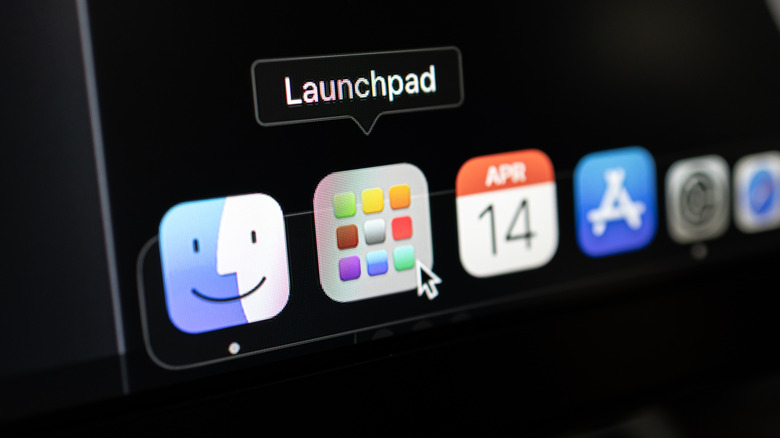 aileenchik/Shutterstock
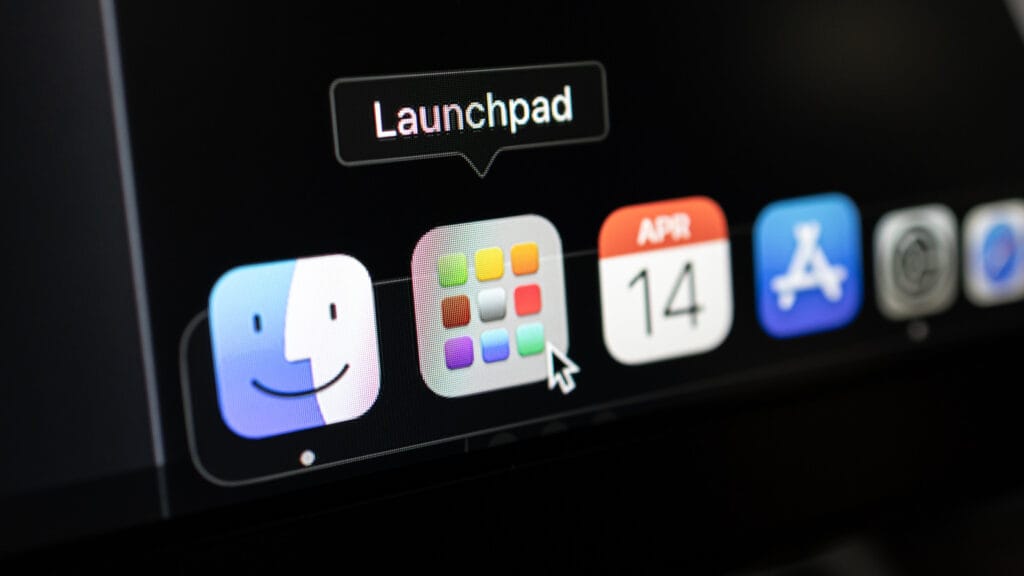
Apple’s upcoming macOS Tahoe introduces a new design, better Apple Intelligence features, and a new Preview app, but also a completely new Spotlight. With it, you can take new actions, such as performing shortcuts to summarize a document, send a photo, and more. However, this AI-powered Spotlight also removes Apple’s beloved Launchpad.
If you’re one of those people that opened up Launchpad to click on an app you didn’t even know the name of but was very important to your workflow, you might struggle with this change once macOS Tahoe launches later this year.
That’s why we decided it would be a good idea to teach you how to restore the Launchpad on your Mac in macOS Tahoe. After all, if it’s not broken, it might not need fixing. That said, to do that, you’ll need to use the Terminal app.
Step-by-step guide to restore Launchpad on MacOS Tahoe
Here’s what you need to do:
- Open The Terminal app with your admin account; you can find the app inside Applications and Utilities.
- Write the following command and press Return: sudo mkdir -p /Library/Preferences/FeatureFlags/Domain
- Enter your Mac’s password and press Return again
- Now, write the new command line and hit Return: sudo defaults write /Library/Preferences/FeatureFlags/Domain/SpotlightUI.plist SpotlightPlus -dict Enabled -bool false
- Reboot your Mac to regain your Launchpad and the old Spotlight.
If by any chance you decide to revert to Apple’s all-new Spotlight and you decide to let go of the Launchpad on macOS Tahoe, follow the same steps again, but add this command instead:
- sudo defaults write /Library/Preferences/FeatureFlags/Domain/SpotlightUI.plist SpotlightPlus -dict Enabled -bool true
After you reboot your Mac, you’ll once again see the all-new macOS Tahoe Spotlight and no Launchpad. Now that you know how to bring back the Launchpad in macOS Tahoe, you’re free to decide whether or not you actually still need it.