 Andriy Baidak/Shutterstock
One of the advertised perks of using Android Auto on your phone in your car is that you can make calls and control your media by issuing voice commands to Google Assistant. At least, that’s how it’s supposed to work, but unfortunately, Google Assistant can get a little testy at times and start refusing to take commands. The most frequent causes of these hiccups relate to the condition and operation of your car’s audio receivers and interface.
Assuming you’re speaking loudly and clearly and not mumbling, the reason Google Assistant may miss your command could have something to do with improper usage of your car’s Android Auto buttons and functions. It could also be something as simple as the audio on your microphone being turned down without you noticing, which makes Google Assistant think it’s not hearing anything. Whatever the precise nature of the problem, it’s a generally easy fix.
Check your volume and the condition of your audio devices
 Best Auto Photo/Shutterstock
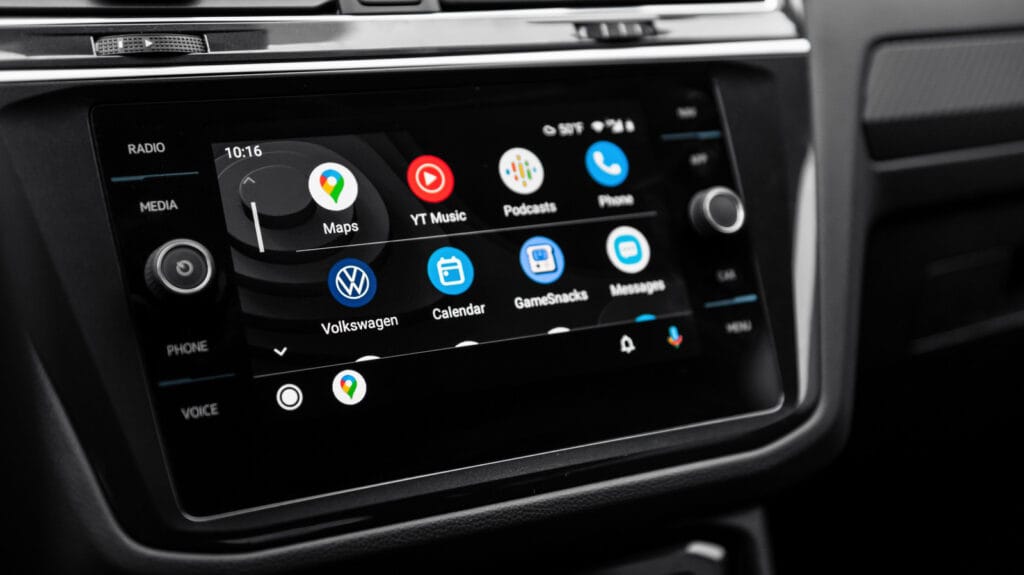
According to Google’s support FAQ for problems with Android Auto and Google Assistant voice commands, the first thing you should do is ensure that your car’s volume settings are set properly. Depending on the make and model of the vehicle you’re driving, the volume sliders for navigation, media, and voice may not be controlled by Android Auto via your phone. Whether you’ve turned your old tablet into an Android head unit or you’re using your car’s built-in Android Auto display, you may need to open your vehicle’s settings on its central unit and set the sliders yourself to ensure your car’s microphone can actually hear you.
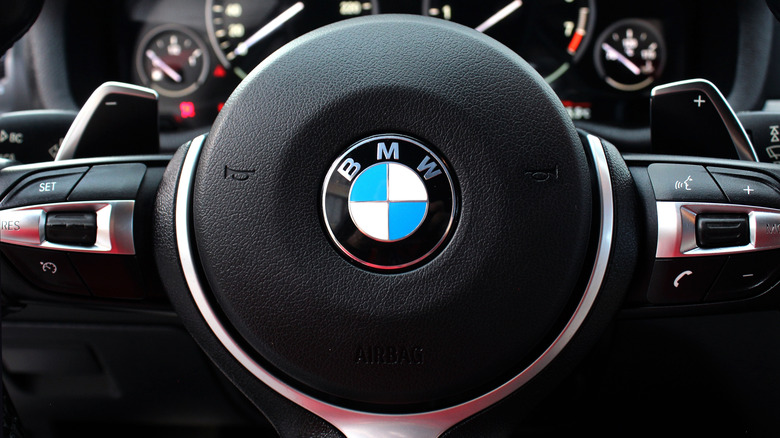
Speaking of which, the next step is to ensure that you’re using your car’s audio equipment properly. As a reminder, to issue an Android Auto command, you need to press and hold the voice command button on your steering wheel until you hear a beep, then speak it aloud. If you only tap the button, you may end up quitting out of Android Auto entirely and have to restart it.
Besides that, if you have a way of identifying where your car’s audio receiver is, such as consulting your owner’s manual, try to direct your voice toward the receiver when issuing a command. Remember, you want to try and minimize any noise around you when speaking, so close the windows, turn down the music, and ask passengers to quiet down.
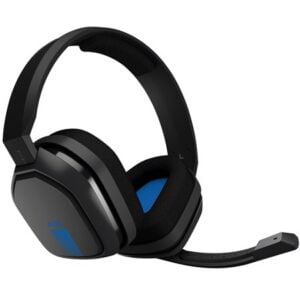
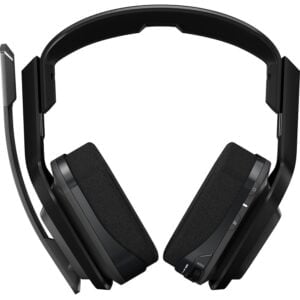
Finally, if you’re using any kind of third-party, aftermarket receiver like a headset, check the microphone to ensure it’s not clogged by dust or debris, and that it’s properly receiving sound. You can consult with a certified installer if you’re not sure how to verify that yourself.